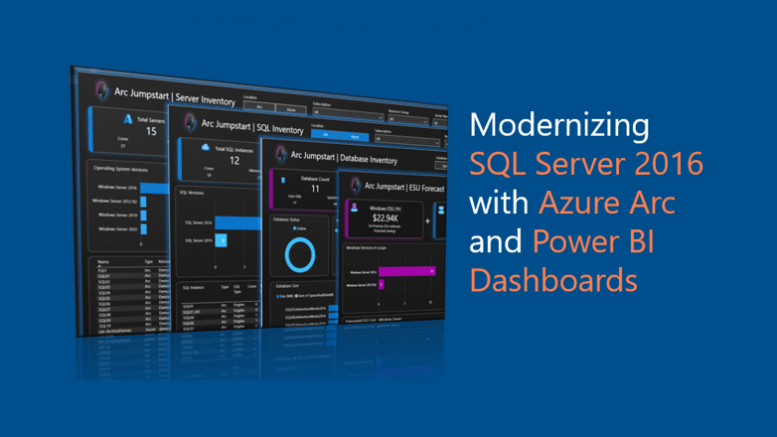
SQL Server 2016 has served organizations reliably for nearly a decade, but the clock is officially ticking. With the end of extended support on July 14, 2026, organizations need to act to reduce risk, maintain compliance, and modernize their data platforms.
The good news? Microsoft isn’t just asking customers to upgrade, it’s providing a clear modernization path, along with tools like Azure Arc and Power BI dashboards to help you assess, plan, and execute that journey.
The SQL Server 2016 Reality Check
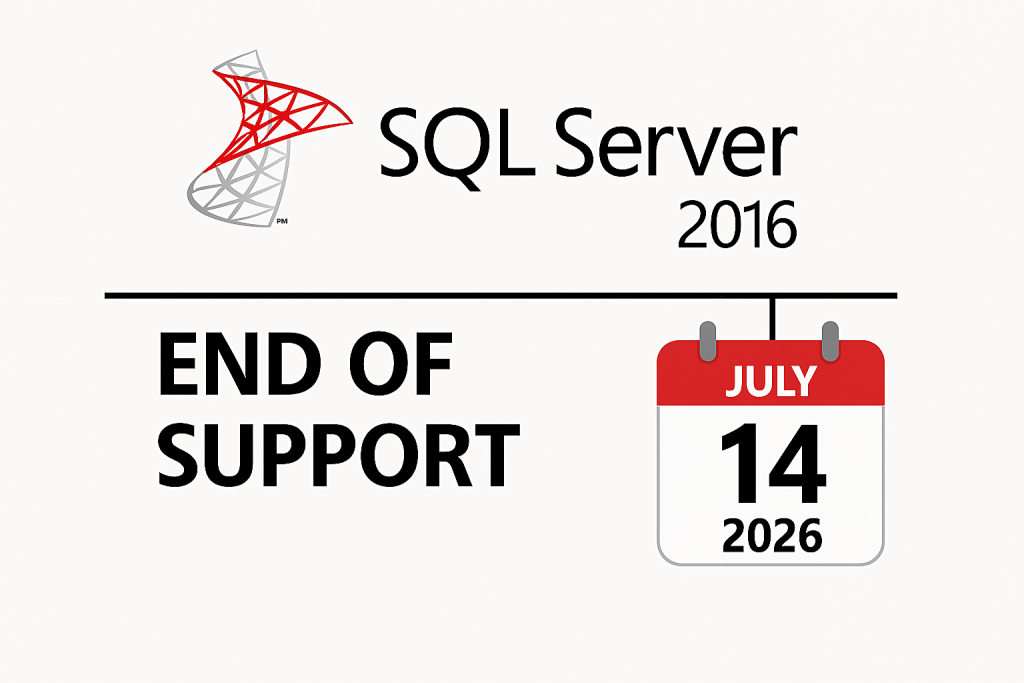
After this date:
- No security updates
- No bug fixes
- Increased compliance and security risk
Microsoft offers Extended Security Updates (ESUs) for up to three years, but these are a temporary safety net, not a long-term strategy. Find out more: Cost of Staying on SQL Server 2016 vs Modernizing
| Version | Start Date | End Date |
|---|---|---|
| Extended Security Updates Year 1 | Jul 15, 2026 | Jul 13, 2027 |
| Extended Security Updates Year 2 | Jul 14, 2027 | Jul 18, 2028 |
| Extended Security Updates Year 3 | Jul 19, 2028 | Jul 17, 2029 |
I previously discussed how to Modernize and Secure Your SQL Server 2016 and some Migration Guidelines. But the bottom line is that staying on SQL Server 2016 without a plan exposes you to real operational and security risks.
Modernization Paths:
According to Microsoft’s July 2025 guidance, customers are already moving toward two primary strategies:
1. Migrate to Azure SQL
Microsoft positions Azure as the preferred destination because:
- It uses the same SQL Server engine, preserving existing skills
- Adds advanced security, encryption, and threat detection
- Offers scalability and always up-to-date features
One standout option is Azure SQL Managed Instance, which provides:
- Near full SQL Server compatibility
- Simplified migration experience
- Improved performance and scalability (next-gen enhancements in progress)
Find out more: Why you should migrate Windows Server and SQL Server to Azure.
2. Upgrade to SQL Server 2025
If cloud migration isn’t immediate, upgrading in place provides:
- Continued support and protection
- Built-in AI capabilities
- Improved developer productivity and integration with Azure services
Find out more: Simplify SQL Server Migration with SSMS 22.5 Features
3. Leverage Azure Arc for Hybrid Modernization
Azure Arc plays a critical role in modern environments by enabling:
- Centralized management of SQL Servers across on-premises and cloud
- Unified inventory and visibility
- Integration with Azure services without requiring full migration
Find out more: Overview – SQL Server enabled by Azure Arc
And this is where things get really interesting…
Turning Visibility into Action: Azure Arc + Power BI Dashboards
Modernization isn’t just about where to move; it’s about understanding what you have today.
The Arc Insights Power BI Dashboards (Jumpstart) deliver exactly that.
What these dashboards provide
You get a single pane of glass for your entire SQL estate:
- Server Inventory – All servers across Azure and Arc
- SQL Inventory – Instances running in hybrid environments
- Database Insights – Visibility into SQL workloads
- ESU Cost Forecasting – Estimate future Extended Security Update costs
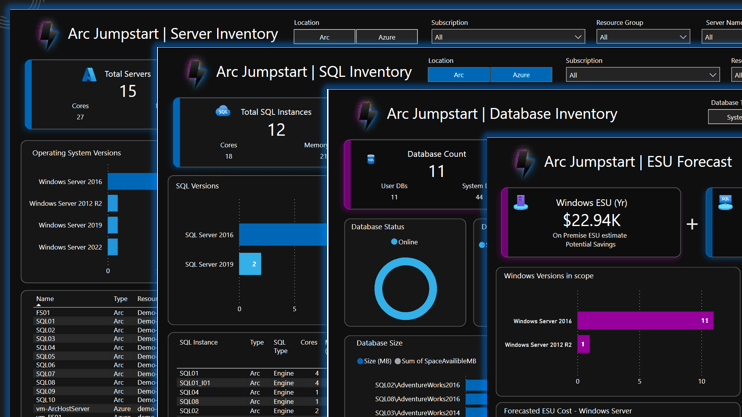
These dashboards are powered by:
- Azure Resource Graph
- Power BI visualizations
- Cross-platform infrastructure data
Why these matter (especially for SQL Server 2016)
One of the most valuable capabilities is ESU cost forecasting.
- You can visualize the financial impact of delaying modernization
- Identify which servers are highest risk or cost
- Prioritize migrations based on business impact
Which helps you avoid
- Unexpected ESU costs
- Prolonged technical debt
- Security gaps
Faster Time to Value
These dashboards can be deployed in minutes, not weeks, and customized to your environment. For organizations managing large estates, that speed is a game changer.
Final Thoughts
SQL Server 2016 reaching end of support on July 14, 2026, isn’t just a deadline; it’s an opportunity to:
- Modernize your data platform
- Improve security and scalability
- Gain deep visibility across your SQL estate
And most importantly, it’s an opportunity to move from reactive operations to proactive, data-driven decision making. Don’t wait until end-of-support forces your hand. Use these tools to start now and turn your SQL Server 2016 transition into a strategic advantage.
- Azure Arc for centralized management
- Power BI dashboards for visibility and planning
- Azure SQL or SQL Server 2025 for modernization


Be the first to comment on "Modernizing SQL Server 2016 with Azure Arc Dashboards"